- Docs
- Using Arcon
Approvals
How a request reaches you
Claude Code’s permission request goes through Arcon’s hook to the Arcon running next to it, then to your account, then to your phone as a notification. Your answer takes the same way back, and the agent carries on or stops. Codex does the same through its own hooks.
Reading a request
Every card answers three questions:
- What will happen, in a sentence, with the exact command or file underneath (secrets hidden) under Technical details.
- How risky it is: Low risk for reads, Medium risk for changes, High risk for things like
rm,git push,sudoorcurl … | sh. - Whether it can be undone: You can undo this, You can undo part of this or This can’t be undone.
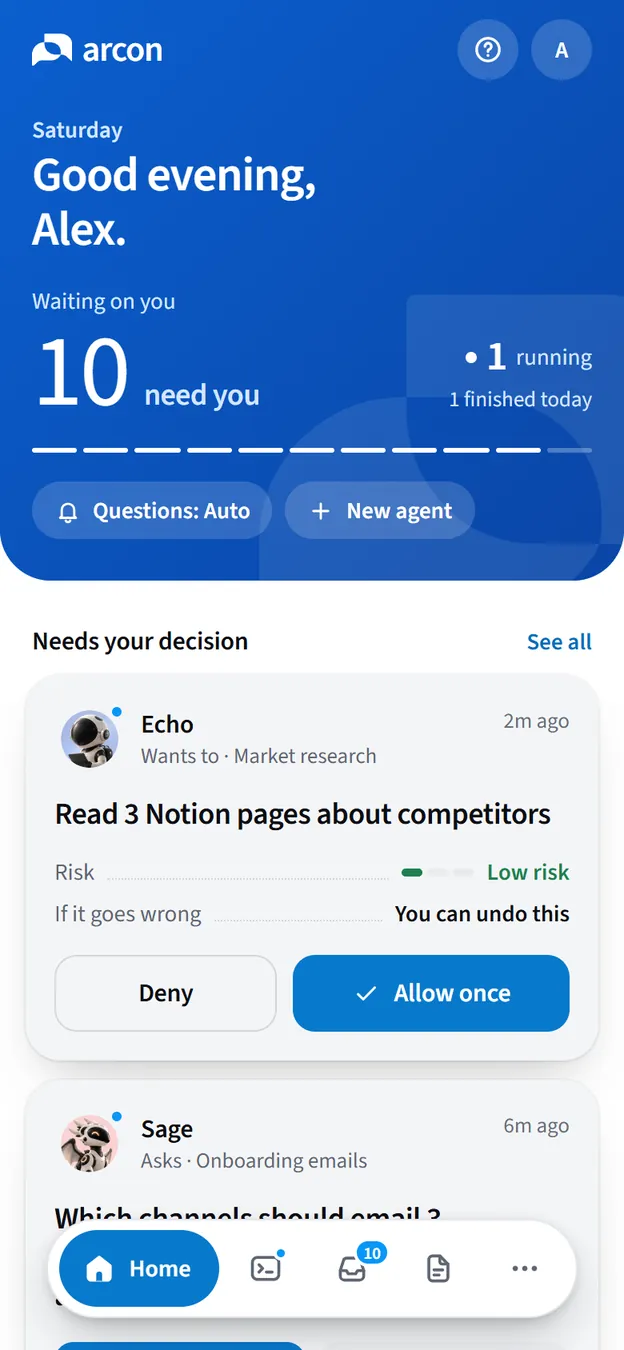
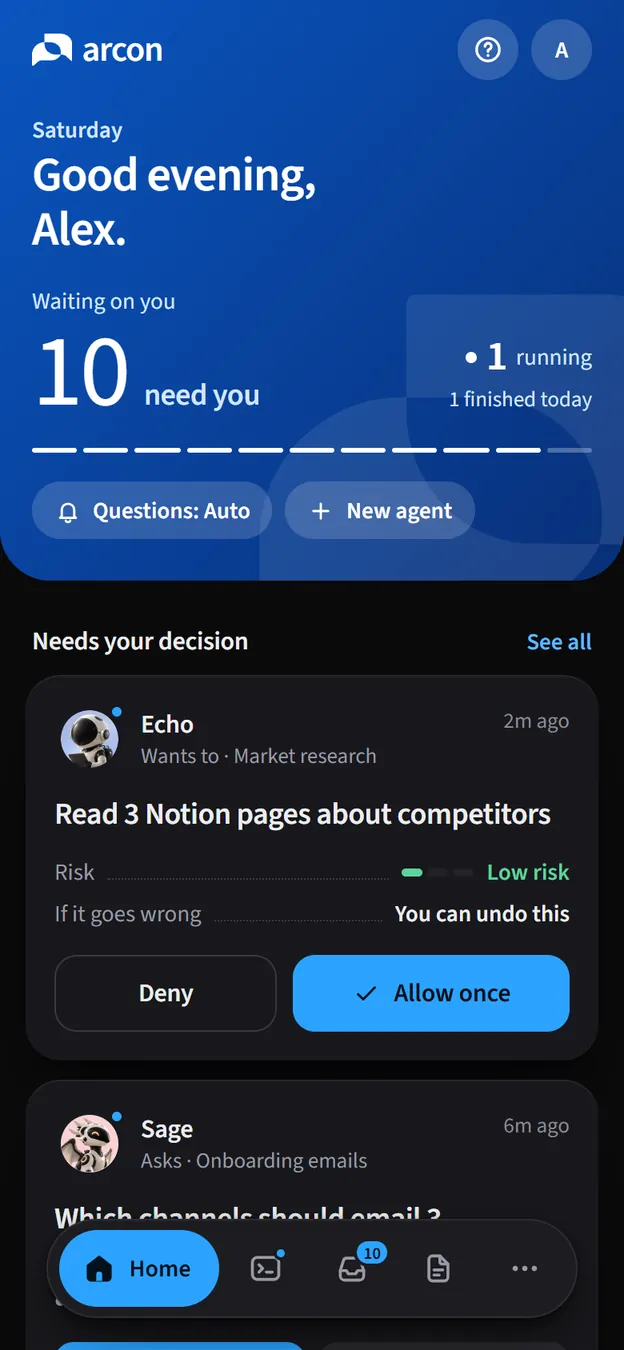
Arcon also suggests a choice: Looks safe for low-risk reads, Take a look when it’s worth a second, and We suggest denying for clear dangers such as piping a download into a shell. The suggestion is advice; the decision is always yours.
Not sure? Tap Explain more for a few plain sentences: why the agent wants it, and what could go wrong.
Approve or deny
- Tap the notification, or open Inbox, and choose Approve or Deny.
- A High risk request needs a second press: Tap again to approve.
- For anything that isn’t high risk, Always allow Bash for Claude Code (with the tool and agent in question) stops the same tool from asking that agent again.
Codex approvals
Codex’s permission requests reach your phone too, once its hooks are installed and trusted:
Install the hooks
Run
arcon install codexon the computer where Codex runs.Trust them once in Codex
In Codex, type
/hooksand presst. Do it again after an Arcon update that changes the hooks;arcon doctortells you when.Answer from anywhere
Your phone gets 2 minutes to answer (the full 9 minutes when the session is taken over on your phone). After that Arcon steps aside and Codex asks in the terminal as usual, and the card on your phone expires. Pressing Esc in Codex ends the card too.
Timeouts and fallbacks
| Situation | What happens |
|---|---|
| Nobody answers a Claude Code request | It waits up to 9 minutes, then counts as denied. |
| Nobody answers a Codex request | After 2 minutes (9 in Take over), Codex asks in the terminal. |
| Arcon isn’t running | The agent asks in the terminal as usual. Arcon never blocks you. |
| No requests arrive at all | Claude Code is probably set to decide on its own. See permission mode. |
| You chose “Always allow” earlier | That tool no longer asks that agent, so nothing reaches your phone for it. |