- Docs
- Get started
Welcome to Arcon



What Arcon does
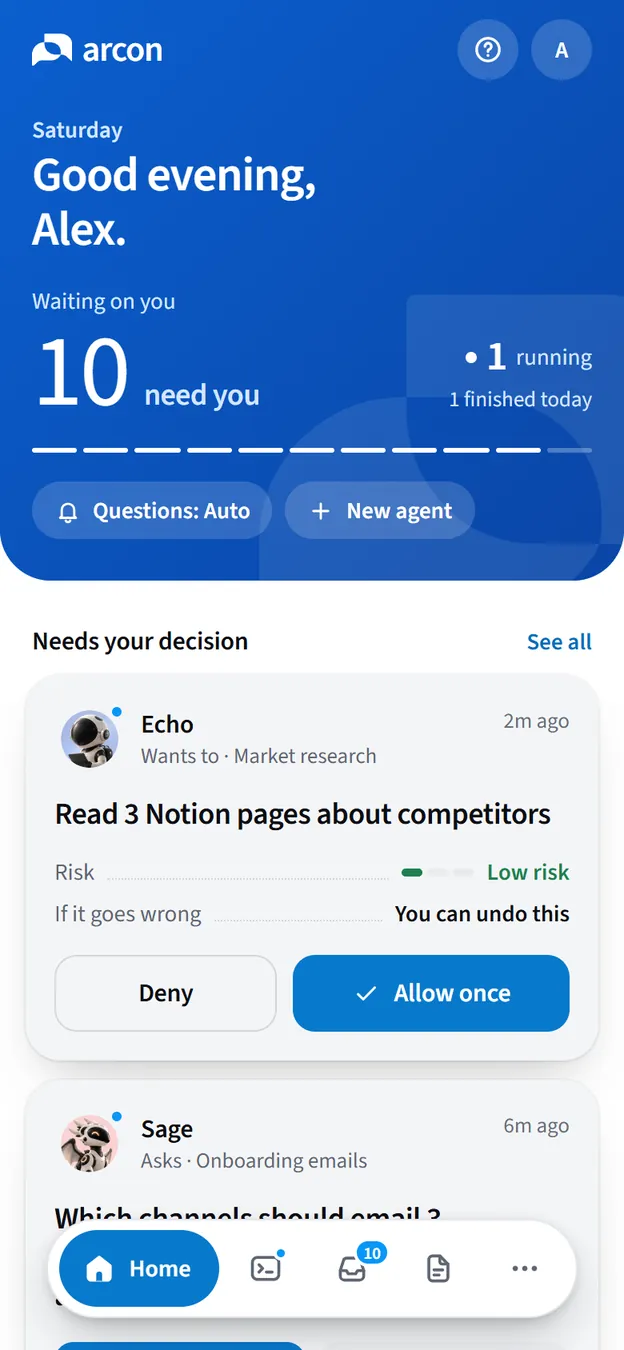
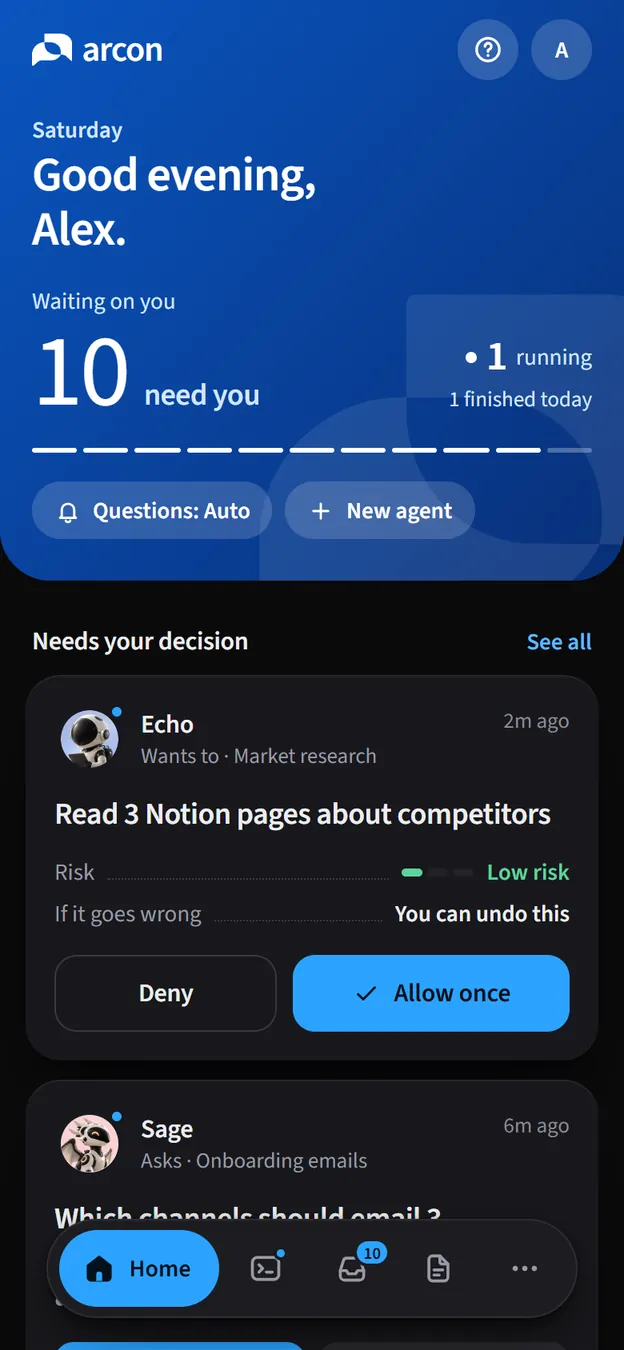
You start work the way you always do, in a terminal. Arcon mirrors that session to your account, so you can walk away and still know three things at a glance: what’s running, what needs you, and what changed.
Follow
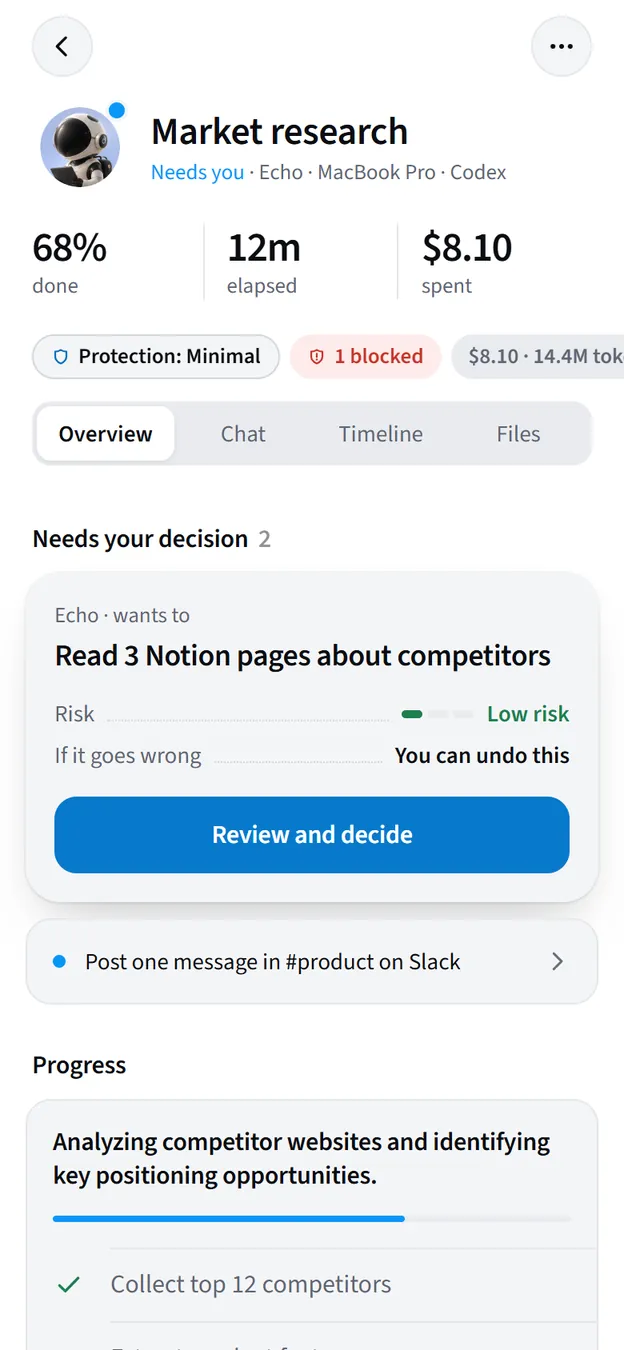
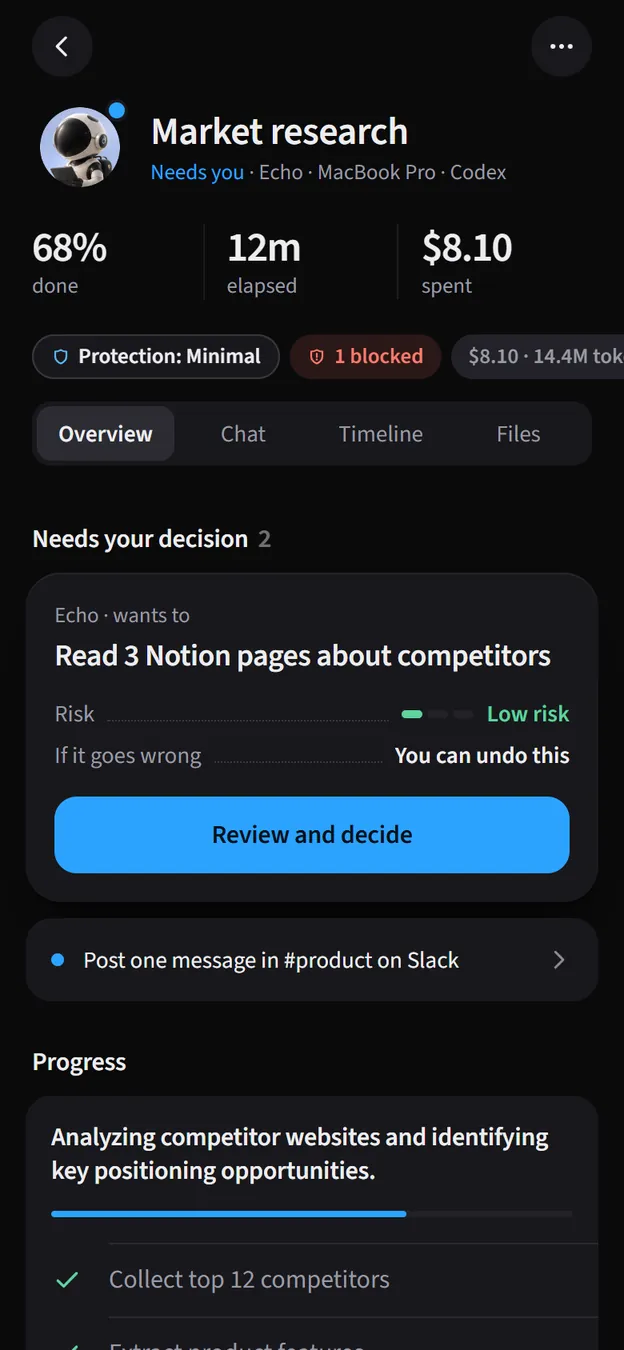
Every session with its one-line status, a live checklist, progress and the latest output, from anywhere.
Decide
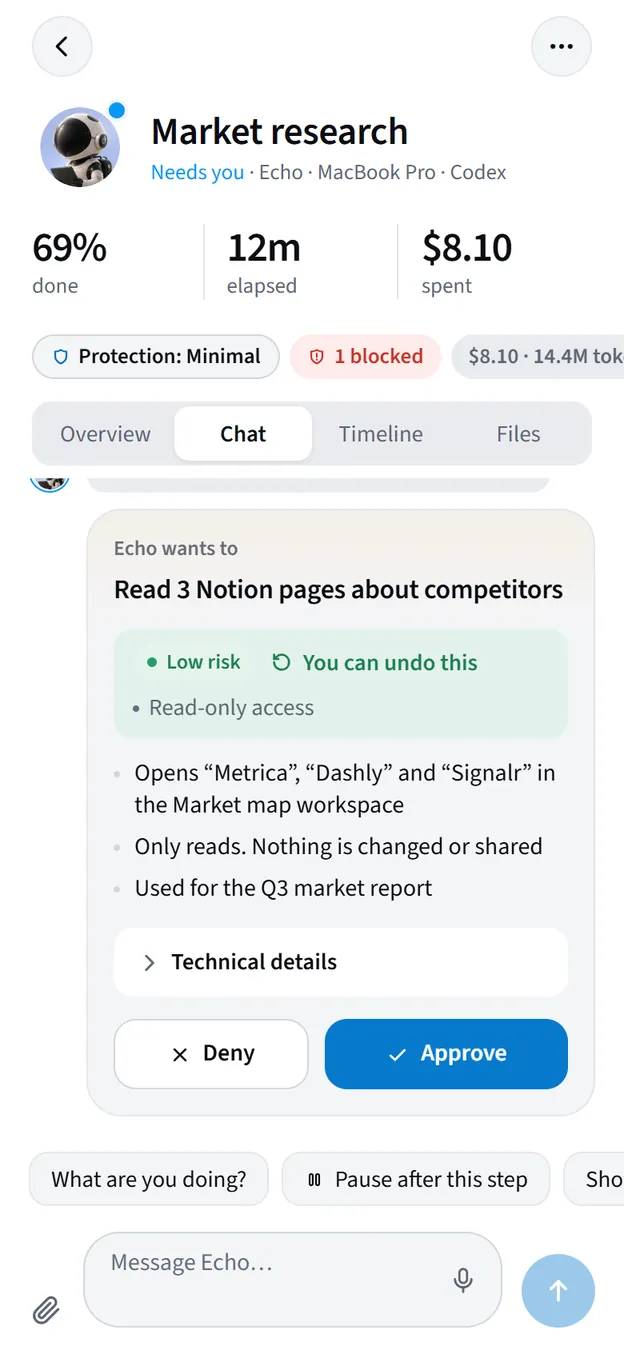
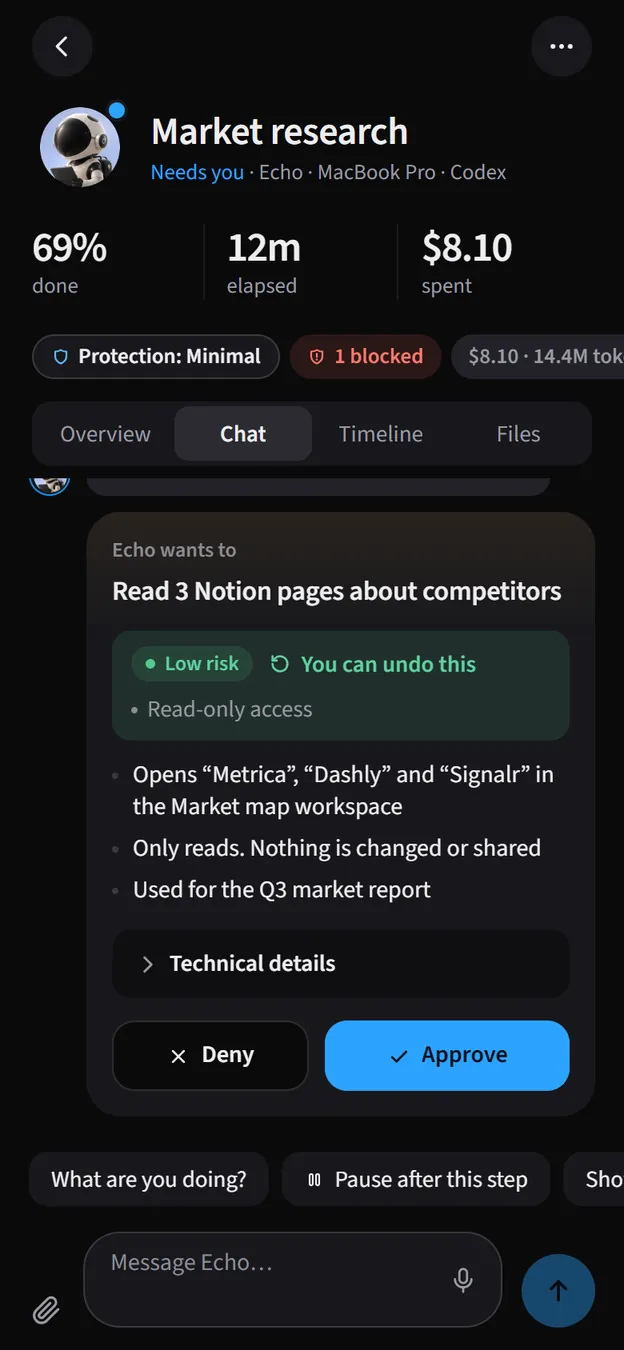
When an agent wants to do something risky or has a question, it lands on your phone. Approve, deny or answer with a tap.
Talk
A two-way chat with the running agent. Send a new instruction, or take over and carry on the conversation from your phone.
Collect
Plans, reports and summaries your agents write show up as clean documents you can read on a small screen.
How the pieces fit together
There are three parts, and you set each one up once:
The connector is a small program called arcon that runs in the background on the computer where your agents live. It hooks into Claude Code and Codex, and can wrap any other command. It only ever makes outbound connections, and it signs in as you.
Your Arcon account (the cloud) keeps the mirror: sessions, the chat, checklists, approvals, questions and documents. Everything is private to your account.
The apps (the Android app, the web app at arcon.dev/app and Arcon for Windows) show the same live picture and send your decisions back. Answer on your phone and the desktop updates too.
What you need
An invite
Arcon is invite-only. You need a link like arcon.dev/join/K7QM2XPH9D, or the code on its own, from someone who already uses it.
A computer with your agents
Windows (with WSL or natively), macOS or Linux, where you run Claude Code, Codex or other long commands. Node.js 20 or newer.
A phone
An Android phone (Android 10 or later) for the app, installed from arcon.dev. On iPhone, add the web app to your Home Screen.
Optional: Arcon for Windows
The same dashboard in a desktop window, plus a companion that floats above your apps. Available in early access.
Where to go next
Read the Get started pages in order the first time. After that, search or jump straight to what you need.
Get started
Account, phone, computer and the Windows app. Start with Get access.
Using Arcon
Follow, approve, start and review work from anywhere. Start with Day to day.
Safety
What agents can never do, and how you stay in control. Start with Protection levels.
Reference
Commands, fixes and what changed. Start with Better agents.