- Docs
- Get started
Get access

Join with an invite
An invite is a code like K7QM2XPH9D, usually shared as a link: arcon.dev/join/K7QM2XPH9D. You only need it once, to create your account.
Open the invite link
You’ll see Alex invited you to Arcon. with the code and how many uses it has left. Only have the code? Go to arcon.dev/join, type it under Have an invite? and press Continue.
Enter your email
Type the address you want to use and press Send my code. Use an address you can open right now: the code arrives there within a minute.
Enter the code from the email
The email from Arcon has an 8-digit code and a sign-in link. Type the code and press Create my account, or tap the link on the same device. You land in your dashboard, and your account is active.
Sign in with an email code
After your first visit, signing in anywhere works the same way: email, then the code from the newest Arcon email.
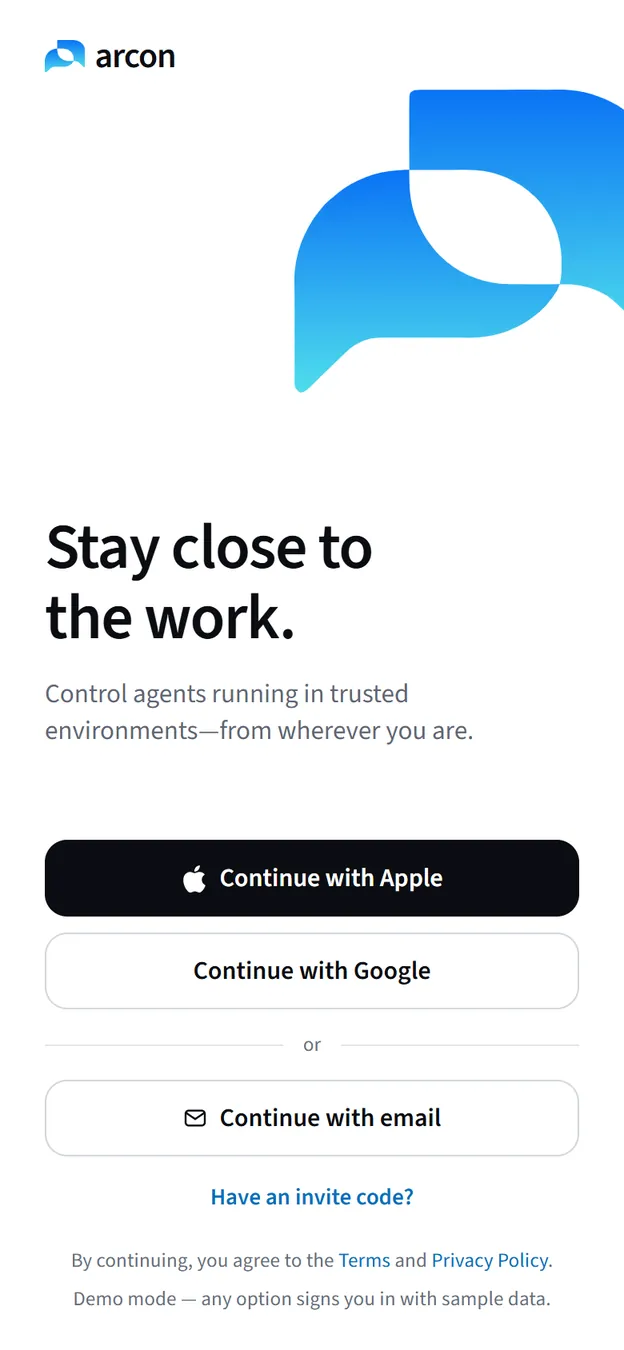
- On the first screen tap Continue with email.
- Enter your email and tap Send code.
- On Check your email, type the code. It fills eight boxes and continues on its own.
- Wrong address? Tap Use a different email. No email after 30 seconds? Tap Resend code.
Other sign-in buttons may appear on this screen; if one says it isn’t available yet, use email.
If the code doesn’t arrive
- Give it a minute, then look in spam (and Promotions or Updates in Gmail). Search your mail for “Arcon”.
- Check the address. The code screen shows where it was sent. If it’s wrong, use Use a different email.
- Ask for a new one. Always use the code from the newest email; older codes stop working.
- Don’t press Already have a code? Enter it unless you really have one. It opens the code box without sending an email. If you pressed it by mistake, click Send me one on that screen.
- “Too many codes requested.” Codes are rate-limited. Wait a few minutes and try once more instead of pressing the button again and again.
“Your account isn’t active yet”
You signed in with an email that hasn’t joined with an invite. The web and Windows app show Your account isn’t active yet; the phone shows an Arcon Pro screen. Sending a code can also answer This email isn’t invited to Arcon yet.
Fix: open your invite link (or arcon.dev/join) and join with the same email. Then, on the phone, tap I’ve subscribed — check again; it re-checks your access. No invite? Ask someone who uses Arcon, or write to hello@arcon.dev.